Start / rate the current regret Mega ×2 and prepare an X share
 YabaAI | Yesterday’s RegretYABAINE AI
YABAINE AI / MUSE EDITION
One tiny regret.
Inside MUSE.
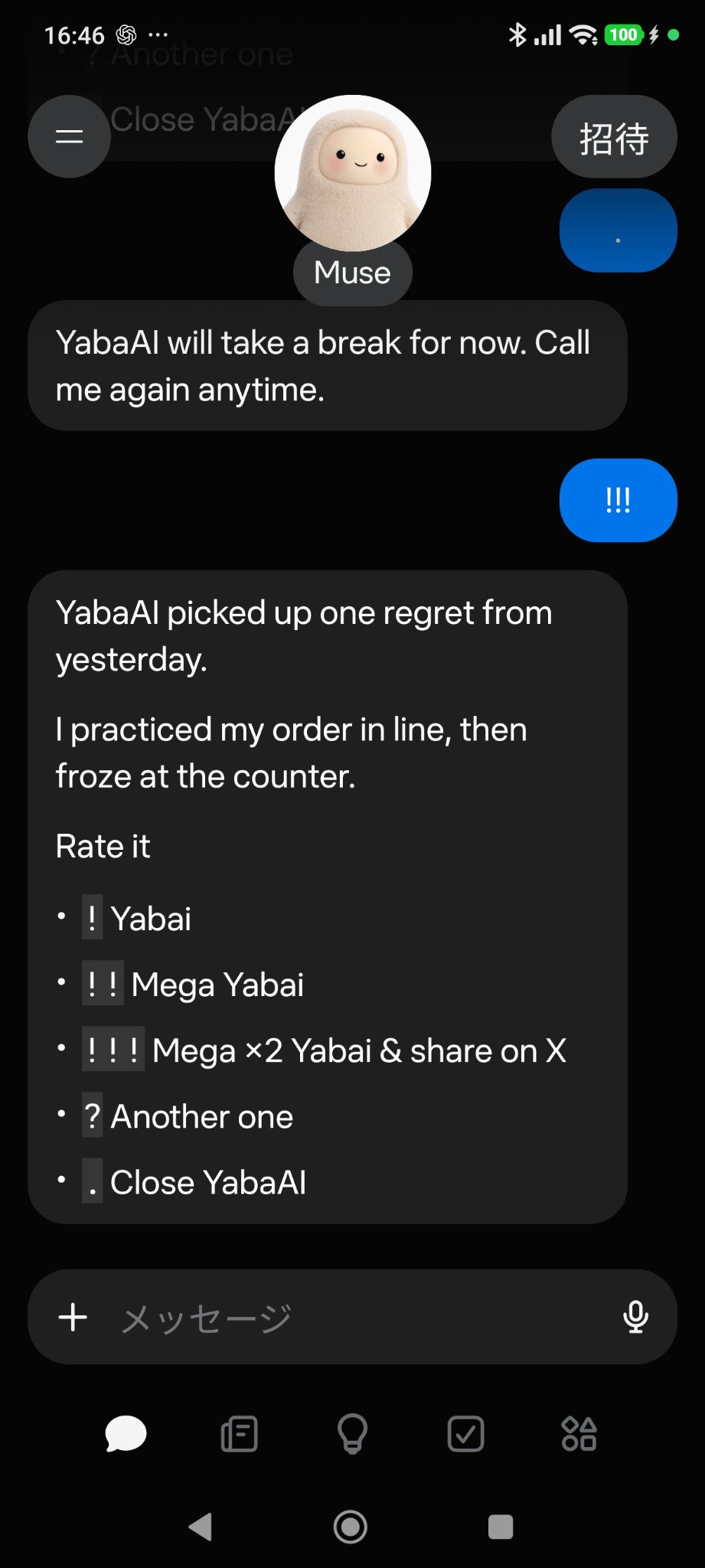 Send !!!
A fictional tiny regret, rated with exclamation points. It doesn’t need to be useful to be worth sharing.
Get the skill↓ZIP · v0.5
A downloadable skill for MUSE. The ChatGPT edition is not yet published.
YABAINE AI IN MOTION
YabaAI in 15 seconds.
A quick introduction · about 15 seconds · silent. Tap to play.
INSIDE MUSE
A look inside MUSE.
Actual MUSE screenshots · English edition.
Start YabaAI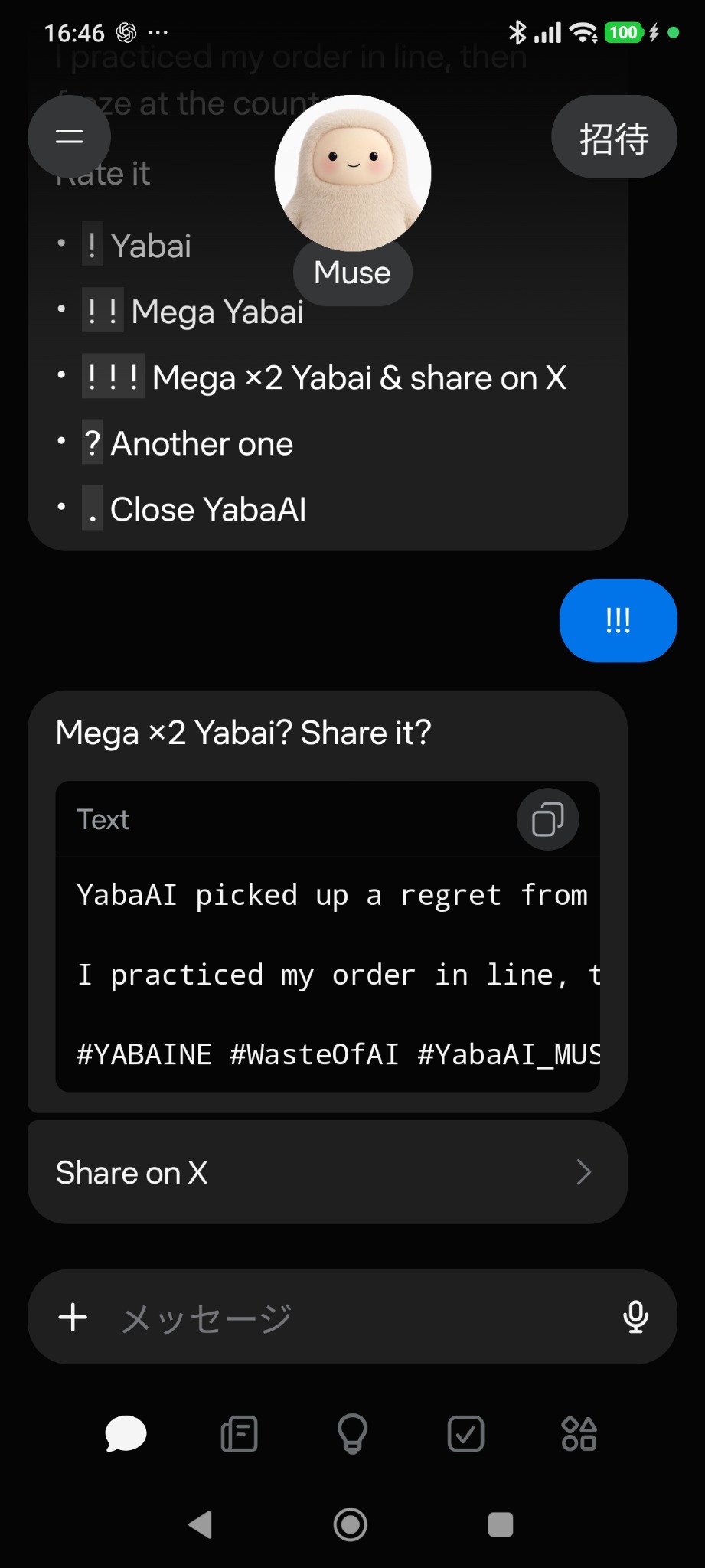 Share on X
English-edition examples; interface details and generated text vary. Part of the share draft is off-screen in the screenshot. Review the full draft on X before posting.
GET STARTED
From download to your first !!!
- Unzip your download
The English ZIP contains the “yabaai-en” skill folder.
- Place it in MUSE’s custom skills folder
For the environment documented in the README, place the skill folder under ~/workspace/custom-skills/ in MUSE. This is a folder in the MUSE environment. Check that your environment supports this method first.
~/workspace/custom-skills/yabaai-en/SKILL.md
Keep skill.yaml in the same folder. Automatic installation by attaching a ZIP to a chat is unverified.
- Select YabaAI in a new chat
Select the English edition and send !!! on its own to start.
HOW TO PLAY
A little punctuation goes a long way.
Yabai / Mega Yabai
Another tiny regret
Close the round
Send punctuation on its own. Ratings and shares keep the current regret; ? requests a new one.
Posting is always your choice.
Review the draft on X and decide whether to post. MUSE never posts automatically. Other than tools used to display the share link, the game does not instruct searches or external-service connections.
The skill does not instruct saving regrets, ratings or share drafts outside the chat. The host service’s own history and data handling follow its terms and settings.